December 11, 2025
AI Live Translation Cam Chat: Talk Across Languages
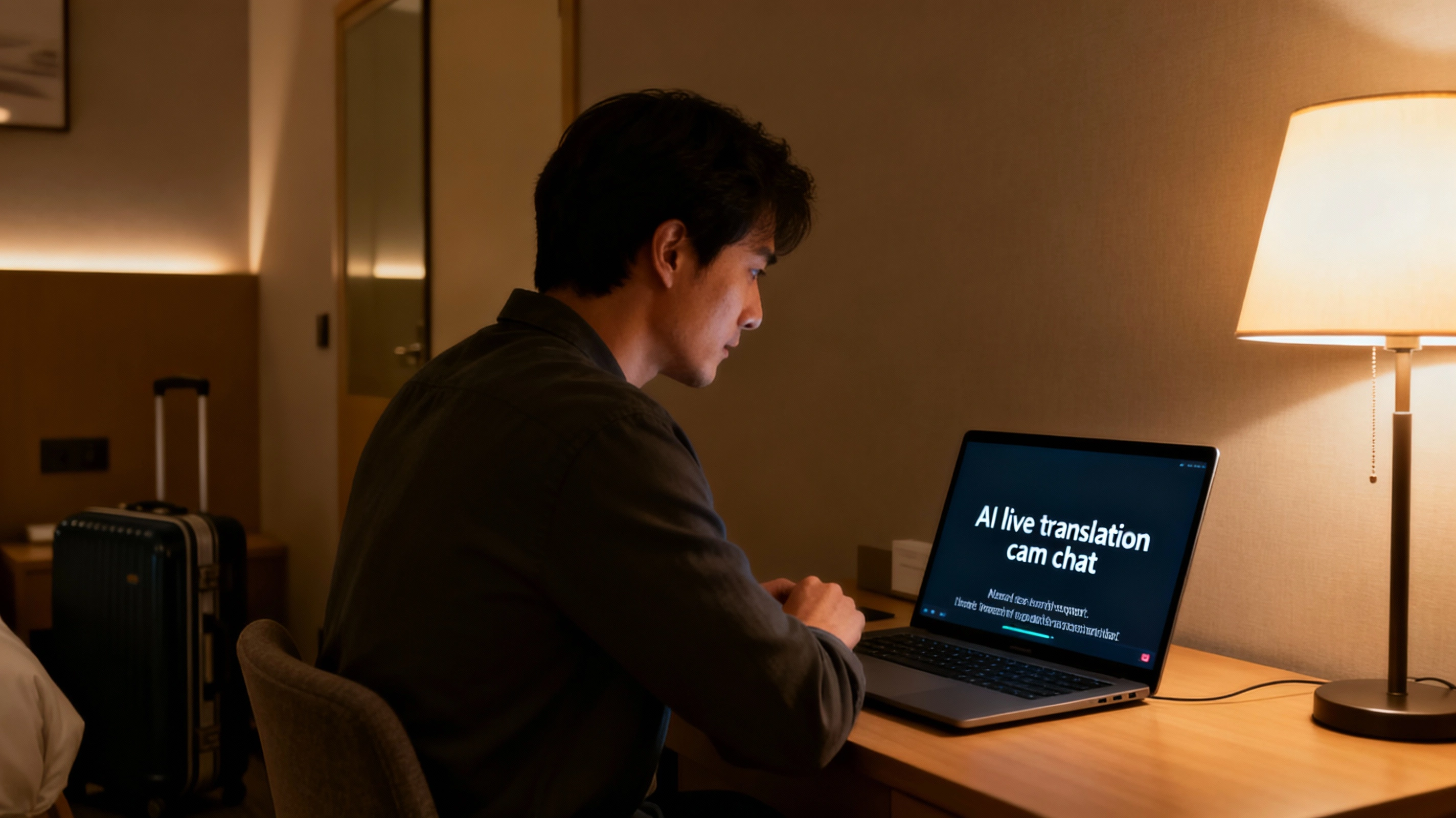
Language barriers used to make many men avoid foreign cam models. You never really knew how to say what you wanted, and small misunderstandings killed the vibe. AI live translation cam chat changes that: now you can talk across languages with real-time subtitles and voice translation on top of a normal video call.
Instead of guessing what the model just said, you see readable text appear on your screen a second later. Instead of switching to stiff textbook phrases, you speak naturally and let the translation engine handle the rest. The key is understanding how these tools work and where their limits are, so you do not blame yourself for glitches that are just part of the tech.
By the end of this guide, you will know what powers AI live translation cam chat under the hood, what delay and accuracy to expect, how to set up your mic and camera for better subtitles, and when it is smarter to switch back to simple English instead of forcing the AI to fight with slang.
What Is AI Live Translation Cam Chat?
AI live translation cam chat is a setup where software listens to your voice, turns it into text, translates that text into another language, and then shows it as subtitles or even speaks it out loud on the other side. The same thing happens in reverse for the model’s voice. Both of you still see each other on webcam, but there is an extra invisible layer of speech-to-text and translation sitting in the middle.
Most systems follow the same basic steps: capture audio from your mic, clean background noise, recognize what you said, translate it, and then display text or generate a translated voice line. Each step adds a tiny delay. That is why even the best AI translation for private calls will never feel as instant as talking to someone who speaks your language natively.
When it works well, this technology turns “I wish I could talk to her” into an actual cross-language conversation. When it struggles, you might see funny or slightly off subtitles. The goal is not perfection. The goal is a smooth enough flow that both you and the model understand the main message and feel comfortable continuing.

How Real-Time Subtitles Work in Cam Chats
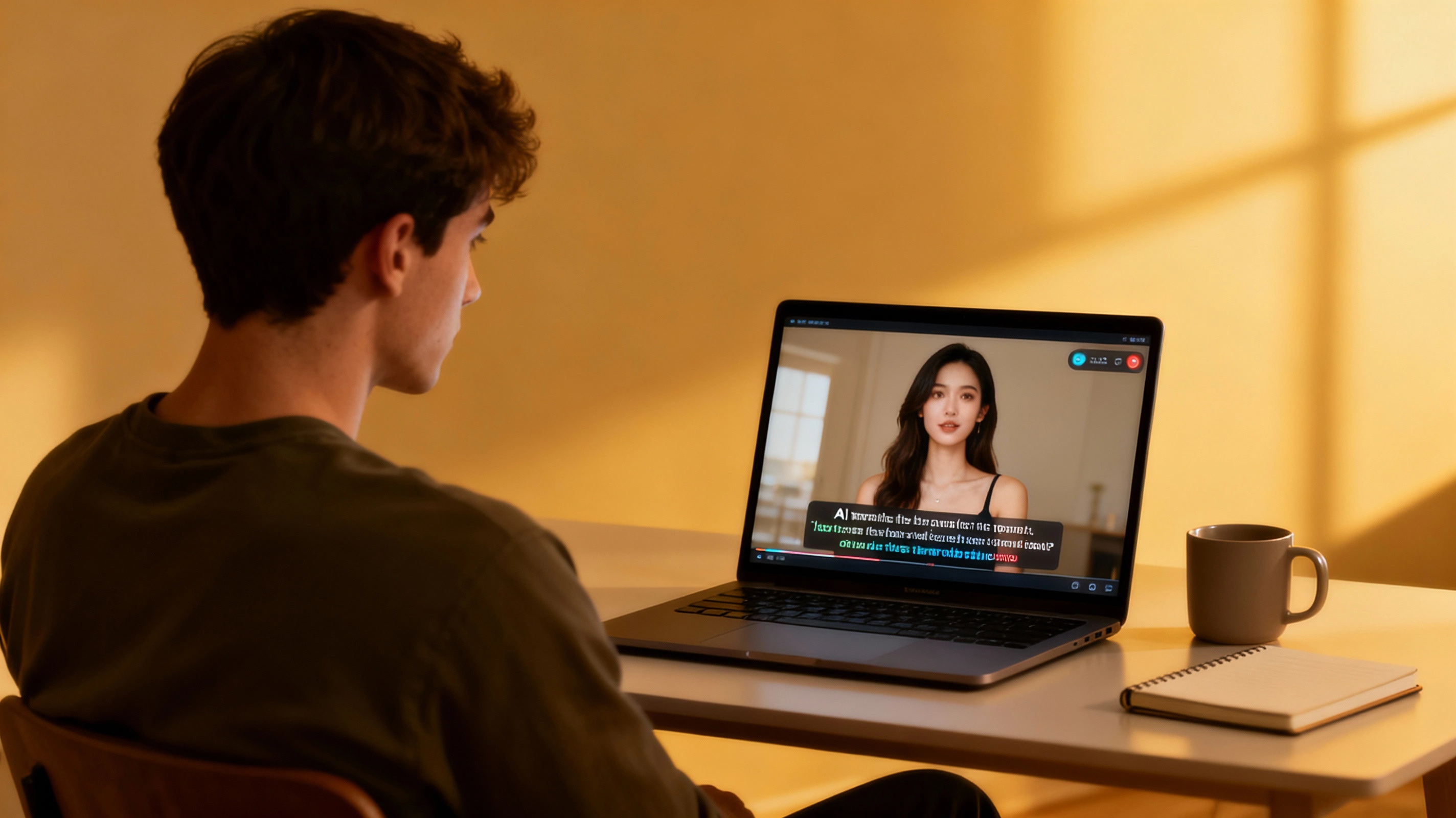
Real-time subtitles sit on top of your usual video chat interface. They can appear as a strip at the bottom of the screen, as bubbles near each person’s video, or in a separate panel next to the chat. In all cases, the idea is the same: you talk, and a short line of text appears soon after you finish a sentence.
Good systems keep subtitle lines short and readable. They avoid full-screen blocks of text that cover the model’s face. You usually get a couple of lines, then they fade and make room for the next ones. If the text moves too fast, you can ask the model to speak a bit slower so the subtitles have time to appear before the next sentence hits.
Latency, Accuracy and Small Delays
Live translation tools always introduce a delay. One to three seconds of lag is normal. If the subtitles arrive a little late, do not panic and start talking over them. Pause, watch what appears, then react. Think of it as watching a show with captions that sometimes need an extra beat to catch up.
Accuracy depends on your microphone quality, background noise, and how clearly both of you speak. Slang, in-jokes, and very fast speech are the hardest for any AI translator. If you see weird lines appear, simplify your wording: shorter sentences, fewer idioms, and clear context. You are not writing poetry here; you are just trying to understand each other.
If you want a deeper look at how modern translation engines work, check official documentation from major providers like
AI translation platforms.
For cam chat, you do not need all the math — just a realistic expectation that even strong AI is still guessing based on patterns, not reading minds.
Setup Checklist: Making AI Translation Work for You
The same basics that make any video call look good also help AI translation. Clear audio and a stable picture give the software clean material to process. If your webcam is dark, your mic crackles, and Wi-Fi cuts out, no translator can magically fix the chaos.
- Use a dedicated headset or USB mic instead of a laptop microphone whenever possible.
- Close loud apps, windows, and background streams that might feed extra noise into the call.
- Speak at a medium pace, finishing sentences cleanly instead of trailing off into mumbling.
- Check that your subtitles or translation overlay are not covering the model’s face on your screen.
If you have not yet optimized the visual side, start there. Our guides on
webcam lighting for private calls
and
webcam framing private calls
show how to look clear and confident on camera before you even add translation into the mix.
Basic Settings to Test Before a Private Call
Before you jump into an intense private session in another language, run a quick test. Say a few simple phrases and watch how they appear as subtitles. If you see consistent mistakes on specific words, try rephrasing them or pronouncing them more slowly.
Next, ask the model to say a couple of phrases in her language and check how the subtitles look on your side. Do you recognize the structure? Does the meaning line up with her body language and tone? This is the moment to agree on simple rules like “let us keep sentences short” or “if something looks wrong, we repeat it once in simpler words.”
When to Use Translation and When to Switch to Simple English
AI live translation cam chat shines when you are getting to know someone from another country, joking about everyday things, or exploring light fantasies that are easy to describe. It struggles when you pile three metaphors into one sentence or try to explain a very niche kink in one long monologue.
A good rule is: use translation to bridge the gap, not to carry the entire conversation. Once you find phrases that both of you understand, keep them. Many mixed-language chats end up with a fun hybrid: basic English plus a few shared words in the model’s language and subtitles filling in gaps when needed.
If the AI keeps mangling one topic, zoom out. Change the angle, simplify the idea, or steer the conversation to something that translates more cleanly. The goal is comfort and connection, not linguistic perfection.
Privacy, Budget and Staying in Control
Any time you add extra tech to a cam chat, you should think about where your data goes. In most popular tools, audio snippets are processed on remote servers and may be stored for a short time to improve models. That is another reason to avoid sharing real names, addresses, or identifying details out loud, especially when translation software is listening.
Also remember that translation is a feature, not a signal to double your spending. It is easy to lose track of time when you finally feel like you understand each other across languages. Set a clear limit for your token use before the session starts. If you want a simple framework, check our guide on
cam token budget
so AI tools enhance your experience instead of draining your wallet.
Used thoughtfully, AI live translation cam chat opens doors that used to stay closed. You can connect with models who live far away, speak different languages, and still feel like the conversation flows. Respect the limits, keep your privacy and budget in mind, and the tech becomes a quiet assistant instead of a noisy distraction.