December 28, 2025
VR Headset for Cam Shows: Budget Options That Actually Work
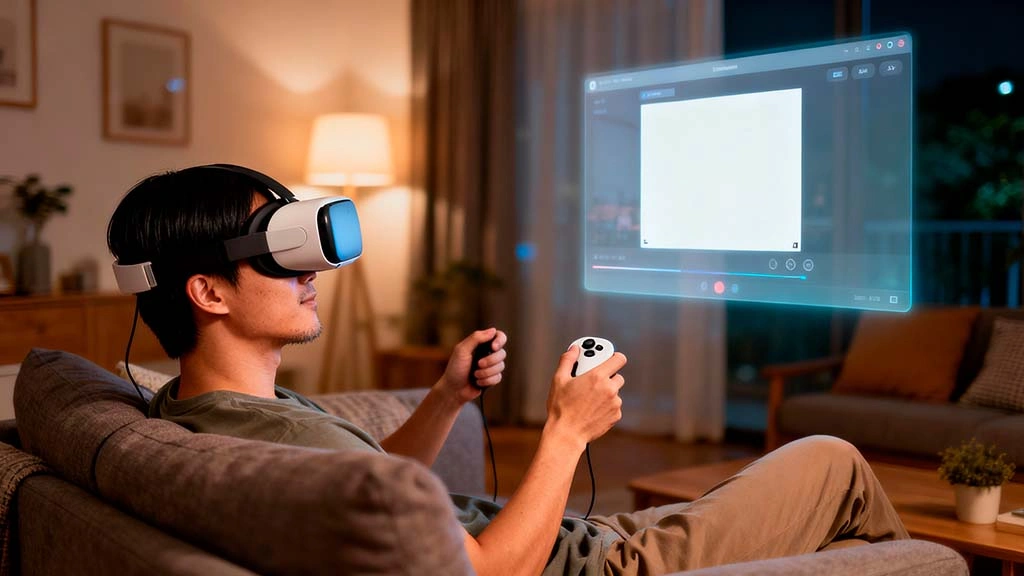
VR headsets are no longer only for gamers. More cam sites experiment with VR-friendly layouts and 180° or 360° shows, and many viewers want to feel closer to the model instead of staring at a flat laptop screen.
The problem: full VR setups can be expensive and confusing. You see people talk about headsets, tracking, powerful PCs and special apps, and it feels like you need a second job just to watch a relaxed show.
This guide breaks down VR headsets for cam shows into simple budget options that actually work. You will see what you really need, what is optional, and how to avoid buying hardware that will just collect dust on your shelf.
Why VR for Cam Shows Feels Different From Gaming
Most VR reviews focus on games. For cam shows, your priorities shift a bit. You care more about sharp video, comfortable fit and an easy way to open your favourite cam site than about motion controllers and complex menus.
- Less movement, more viewing: you usually sit or lie down instead of walking around a virtual room.
- Comfort over graphics: if the headset hurts your face after 20 minutes, it does not matter how good the specs look on paper.
- Simple controls: you want to reach a site, room and tip button quickly, not fight ten pop-up windows.
Once you understand this, you can ignore a lot of gaming hype and focus on what matters for relaxed VR viewing.
What You Actually Need for VR Cam Viewing
You do not need a perfect “pro streamer” rig to enjoy cam shows in VR. A basic setup has just a few pieces:
- A VR headset with good enough resolution: text and faces should look clear when you are close to the virtual screen.
- A stable internet connection: VR streams can use more bandwidth, so Wi-Fi quality matters.
- A browser or player that works with your cam site: many modern standalone headsets have built-in browsers that can open cam sites directly.
If you already watch shows on a laptop with a solid connection, you are halfway there. A headset is mainly a different display for the content you already pay for.
Three Budget-Friendly VR Paths for Cam Shows
Instead of listing dozens of models, it is easier to think in terms of three paths. Each one has its own balance of comfort, price and setup time.
- Phone-based viewer: a simple plastic or fabric shell where you slide your smartphone in front of your eyes. Cheapest entry point, but comfort and image quality depend heavily on your phone.
- Standalone VR headset: self-contained device that runs apps and a browser without a PC. Mid-range price, easy to start, good for casual shows and 180° videos.
- PC-connected VR headset: higher cost and more cables, but can deliver the best quality if you already own a strong computer and are ready to tweak settings.
Before you spend money, decide which group fits your budget and patience level. If you mostly watch casual shows a few evenings per week, a comfortable standalone headset is usually enough.
Choosing a Headset Without Getting Lost in Specs
Spec sheets can look intimidating: resolution, refresh rate, field of view, tracking system. For VR cam viewing, a few simple rules cover most situations.
- Resolution and clarity first: you want to read room titles and chat text without squinting. Look for headsets marketed as “high resolution” or “sharp text” rather than older low-res models.
- Comfortable straps and padding: soft, adjustable straps and front padding matter more than you think during a long session.
- Easy browser access: check if the headset has a built-in browser that can open normal websites, not just a closed app store.
If you already use our cam token budget rules, treat the headset as a one-time purchase that should pay off over months, not a gadget you buy on impulse after one good show.
How to Watch Cam Shows in VR Without Overcomplicating It
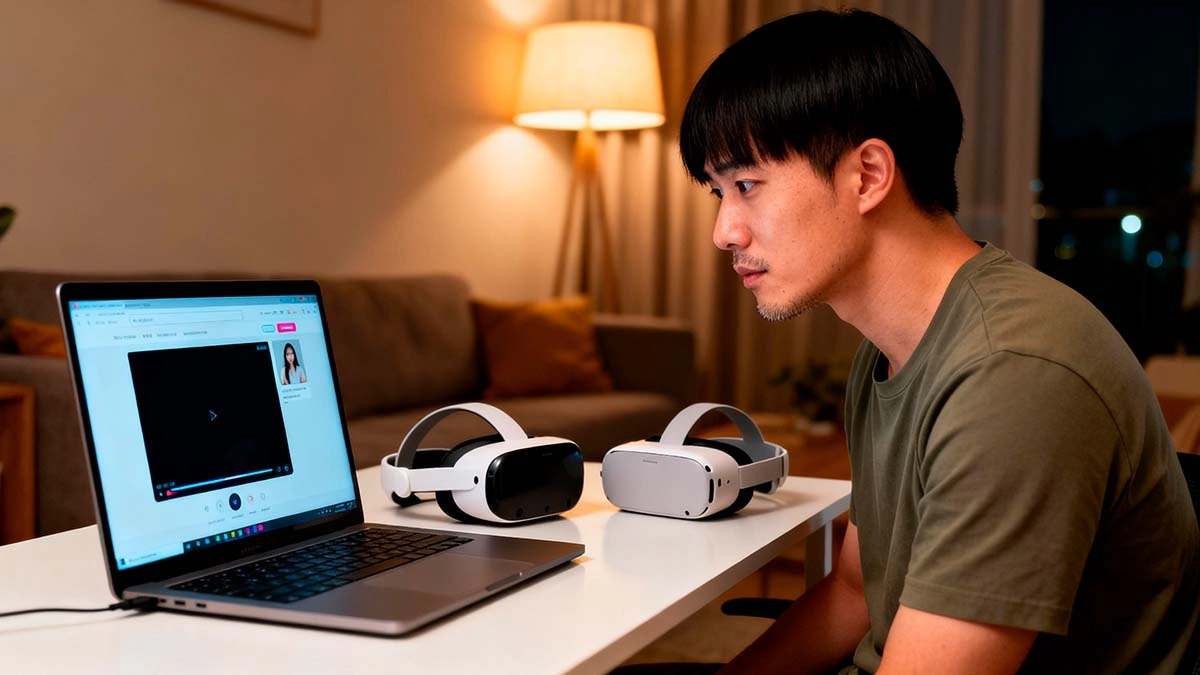
When you first put on a headset, it is easy to get lost in menus and apps. For simple VR cam viewing, you can follow a straightforward routine.
- Open the headset browser or streaming app you trust.
- Visit your usual cam platform and log in just like on a laptop.
- Switch to a “theatre” or “big screen” mode so the show appears as one large floating screen in front of you.
Many platforms still treat VR as a bonus rather than the main focus. If something looks broken or awkward, test another browser tab or a different room instead of instantly blaming your headset.
Comfort, Motion Sickness and Eye Strain
VR can be intense for your eyes and brain. Even if you just sit still and watch, your body still adjusts to a new way of seeing the screen.
- Start with short sessions: try 15–20 minutes at a time and take a break before you feel tired.
- Adjust straps and lens distance: a slightly better fit can remove pressure from your nose and reduce blur.
- Keep the room softly lit: a small lamp behind or next to you can make the transition between VR and reality less harsh.
If you already know that fast-moving VR games make you dizzy, focus on static shows and simple theatre modes instead of experimental 360° rooms.
Privacy and Data When You Use VR for Cam Sites
VR headsets are still internet-connected devices. They have their own browsers, app stores and sometimes extra tracking sensors, which means your cam sessions leave new types of traces.
- Check how your headset browser handles history, cookies and saved logins.
- Decide whether you want to log in through the headset itself or mirror the view from a more controlled device.
- Remember that Wi-Fi quality and router security still matter as much as on a laptop.
For a wider look at what adult sites track in general, see our guide on
adult sites data tracking
and how to reduce unnecessary signals when you browse.
Is a Budget VR Headset Worth It for You?
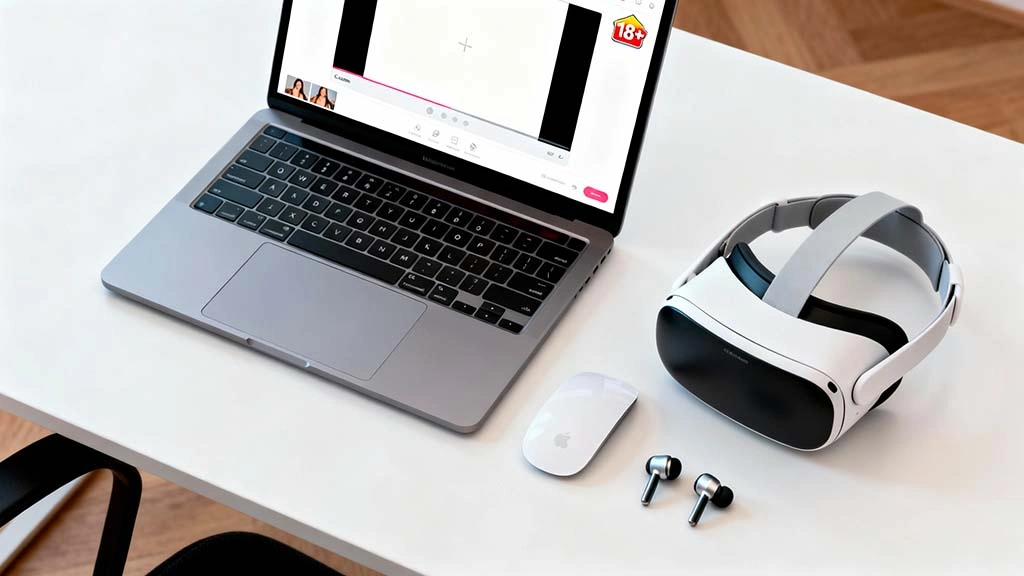
A VR headset will not magically fix bad shows, but it can change how you experience the ones you already like. If you enjoy feeling more present and focused, VR can be a solid upgrade as long as you stay realistic about costs and comfort.
- If you already overthink spending, follow your token rules and buy hardware only when it fits your overall budget.
- If you often jump between different cam platforms, test which ones run smoothly in your headset browser before making a big purchase.
- If you value security highly, compare this article with our
secure cam chat platforms guide
and pick sites that treat privacy seriously.
When you line up budget, comfort and basic safety, a mid-range VR headset becomes not a gimmick but a tool you actually use. That is the difference between an impulse buy and an upgrade that quietly improves your time online.